Stop Checking Websites Manually: Let Sitekick Watch Changes (and Turn Them Into Tasks)
TL;DR: If you keep re-checking the same pages (prices, competitors, job portals, admissions, docs, listings) you're doing "busywork monitoring." Sitekick watches the exact pages (or even a specific section), detects meaningful changes, summarizes what changed, and turns it into a clear next-step task.
Stop checking the same websites like it's your part-time job
You know the loop.
You open a tab "just to check."
Then another.
Then you refresh.
Then you forget what changed.
Then you tell yourself you'll follow up later.
And somehow, your brain becomes the notification system.
Sitekick is built to kill that loop.
It's a cron-based tracking assistant that:
- Watches what matters — a page, link, workflow, or even a specific section
- Checks on a schedule — daily, hourly, whatever fits
- Detects meaningful changes — not noise
- Summarizes what changed — in plain English
- Creates an action ticket — so you know exactly what to do next
In plain English: Sitekick watches the pages you care about and turns important changes into tasks.
The hidden cost of manual monitoring (that nobody admits)
Manual checking feels harmless… until it isn't.
- You miss the moment — price drops, openings, updates
- You waste time — re-checking pages that didn't change
- You lose context — "Wait, what was it yesterday?"
- You don't act — because you didn't turn change into next step
The real problem isn't information. It's action latency: the gap between something changed and you actually doing something about it.
Sitekick compresses that gap.
7 daily-life ways Sitekick is genuinely useful
Here are scenarios that happen in real life — not marketing fairyland.
1. Track price drops without living on shopping tabs
Watching a product? A flight? A plan tier? Add the page, let Sitekick check daily, and when it changes you get a summary plus a task: "Price dropped — buy now, or compare options."
2. Monitor competitor pages without doom-scrolling their website
New pricing page? New features section? Updated landing copy? Sitekick detects the change and creates a ticket: "Competitor updated pricing — review and adjust positioning."
3. Follow job postings or admissions updates like a pro
Instead of refreshing portals, track the page, get alerted on changes, and receive a task: "New role posted — apply today."
4. Watch a specific section of a page ("watch this" mode)
This is the wow factor. If you can highlight a part of a page and say "watch this," you can track what actually matters:
- A line in a doc
- A terms section
- A feature list
- A policy paragraph
When it changes, Sitekick turns it into: "This section changed — review and take action."
5. Keep tabs on recurring updates you always forget
Event pages, release notes, policy updates, waitlists, announcements. Sitekick handles the watching. You handle the doing.
6. Turn changes into a daily action list
Instead of random notifications, you end up with something clean:
- A daily list of action tickets
- Each one tied to a specific change
- Each one telling you exactly what to do
7. For small teams: stop losing "tiny changes" that become big problems
Small teams don't miss things because they don't care. They miss them because they're moving fast. Sitekick becomes the quiet teammate that says: "Hey, this changed. Here's what matters. Here's the next step."
How to use Sitekick today (10 minutes, zero overthinking)
Step 1 — Pick 3 pages you already check too often
Start with real behavior. Examples: a competitor pricing page, a product page you're waiting to drop, a job or announcement page.
Step 2 — Add them to Sitekick
Use whatever flow you have — dashboard or extension. The goal is simply: saved and tracked.
Step 3 — Set a schedule (daily is enough)
Daily checks are perfect to start. Increase frequency only when needed.
Step 4 — Decide what a "task" should look like
When a change happens, what do you want Sitekick to generate? Examples:
- "Review the change and update our landing page"
- "Reply to this lead because pricing changed"
- "Buy now because price dropped"
Step 5 — Do the first ticket immediately
This is how you build trust. Sitekick watches → you act → results show up.
What makes Sitekick different — the before/after
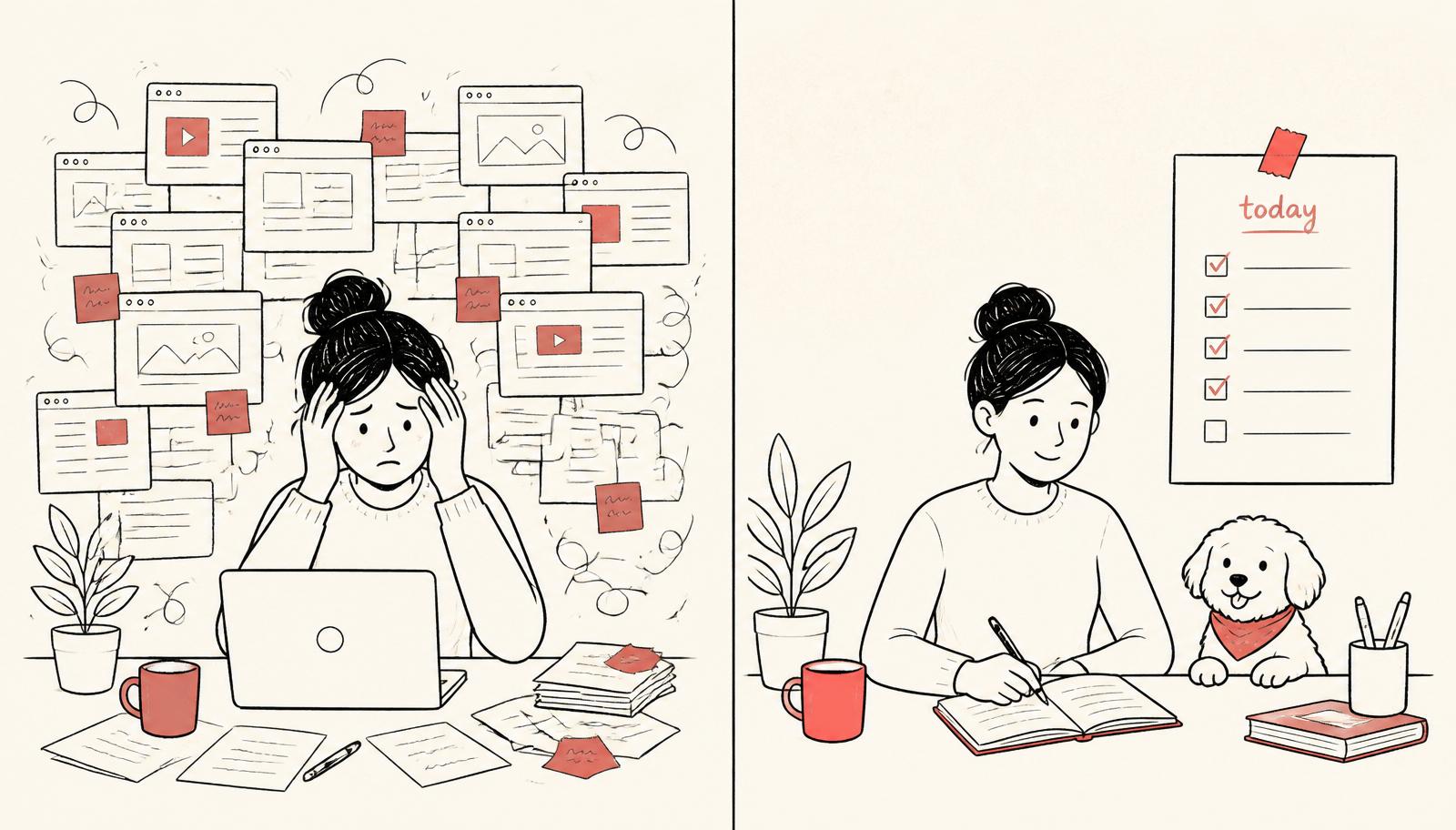
Before:
- "I manually check this page."
- "I think it changed?"
- "I'll follow up later."
After:
- "Sitekick checked it."
- "Here's exactly what changed."
- "Here's the action ticket."
That's not a productivity hack. That's a different operating system.
FAQ
Is Sitekick a website monitoring tool?
It's more like website monitoring + change summarization + action tickets. Monitoring is the start; the value is what you do next.
Can I track competitor websites with Sitekick?
Yes — add the pages you want to track. When changes happen, Sitekick summarizes what changed and generates a task so you can respond quickly.
How often does Sitekick check a page?
Sitekick is schedule-based (cron-style). Daily is a great starting point; tune frequency based on how time-sensitive the page is.
Try this today
- List 3 pages you keep re-checking
- Add them to Sitekick
- Set daily checks
- Define what the "action ticket" should say
- When the first change comes in, do it immediately
Closing: stop being the notification system
If you're still manually checking the same pages, you don't need more discipline. You need a system.
Sitekick watches what matters, summarizes the change, and turns it into a task — so you never miss the moment.
If you want to try it, start with 3 pages today. That's enough to feel the difference.